How to check your UIF status & balance online in 2026
The Unemployment Insurance Fund (UIF) contributes to the alleviation of poverty in South Africa by providing short-term unemployment insurance to all workers who qualify for unemployment-related benefits. The Fund is financed by a tax on the South African wage bill.
Application for your UIF status and balance is done through the uFiling platform, a free service offered by the UIF. This guide will walk you through the step-by-step process to check your UIF status and UIF balance online.
Checking via the uFiling Portal (Recommended)
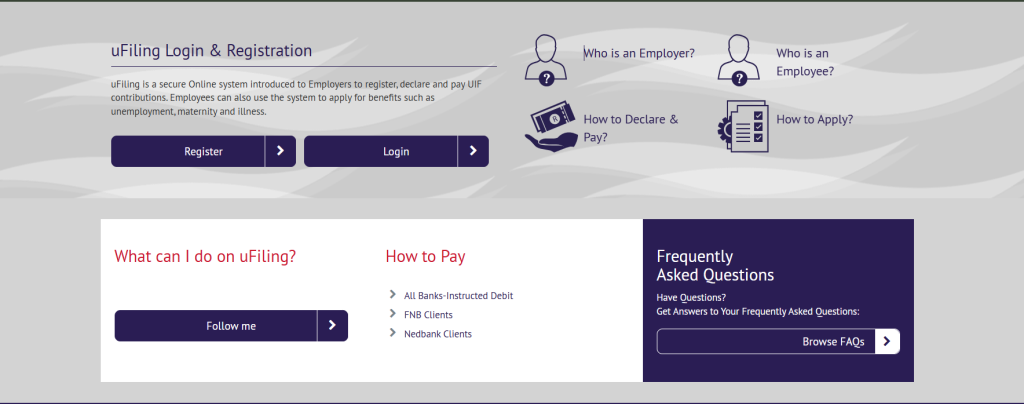
This remains the most comprehensive method. It allows you to see your full claim history, specific status codes, and available credits.
Step 1: Visit the official portal at ufiling.labour.gov.za.
Step 2: Log in with your South African ID number and password (New users must register and activate their account via email/SMS).
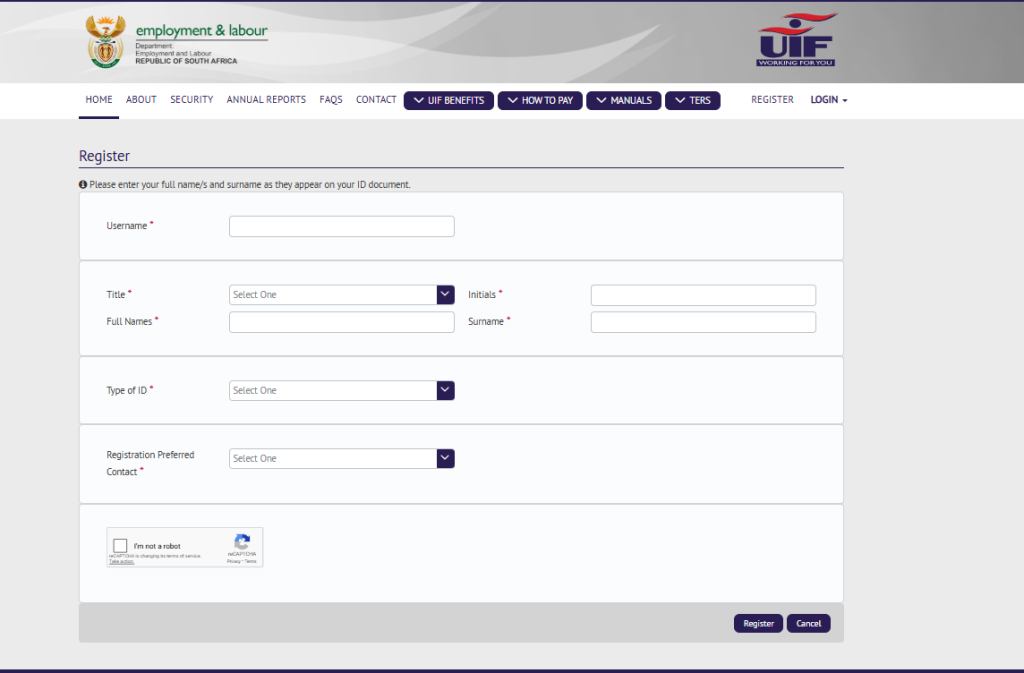
Step 3: On the dashboard, navigate to “Benefit Payments”.
Step 4: Select “View My Claims”.
Step 5: Your current status and case number will be displayed.
Understanding Status Codes
The USSD (data-free) Method
In 2026, the USSD service is the fastest way to check your status without using mobile data.
- Dial: *134*843# on any mobile network.
- Process: Follow the on-screen prompts by entering your ID number.
- Benefits: This will show your “claim status” and “payment status” instantly.
Alternative: The UIF call centre
If the online systems are down or you encounter a “No Employee Found” error, you should call the toll-free number.
- Number: 0800 030 007
- Tip: Have your 13-digit ID number and your UIF Reference Number (if you have one) ready before you call.
Note for 2026: If you are receiving a South African Social Security Agency (SASSA) Social Relief of Distress (SRD) grant, be aware that receiving a UIF payment may disqualify you from the grant for that month, as SASSA’s system now syncs more frequently with the Department of Labour’s database.
Benefits of using UIF
There are many benefits to using UIF, which include:
- Submit Claims for various UIF Benefits
- Submit a request for Payment for various UIF Benefits
- View Claims History
- Submit a Notice of Appeal
- View your Employee Declaration Status
- Declare and pay UIF contributions to the fund
- Verify that returns are up to date
- Submit monthly or annual returns
Application for your UIF status and balance through uFiling is paperless, making the process instant and reliable.
For more information, please see the UIF user guide.


You May Also Like

Harvard Endowment Sheds $150 Million on Crypto Investments, On-Chain Data Shows

GitHub Security Breach Raises Supply Chain Risks for Crypto Developers