1. What is a Sub-Account Under your MEXC account, you can set up multiple sub-accounts to assist you in your daily trading activities. For example, you can use one sub-account for spot trading and1. What is a Sub-Account Under your MEXC account, you can set up multiple sub-accounts to assist you in your daily trading activities. For example, you can use one sub-account for spot trading and
新手学院/Trading Guide/User Guide/How to Mana...ub-Accounts

How to Manage Sub-Accounts

Dec 11, 2025MEXC
0m
4
4$0.02201-3.22%

1. What is a Sub-Account


Under your MEXC account, you can set up multiple sub-accounts to assist you in your daily trading activities. For example, you can use one sub-account for spot trading and another sub-account for futures trading.

MEXC provides two types of sub-accounts. One type has no login permissions and must be used in conjunction with APIs. To view information for this type of sub-account, including transfer and trading information, you need to check the sub-account details under your MEXC account.

The other type is a sub-account that can be used for login using an email address. In addition to viewing information for this sub-account under your MEXC account, you can also log in to the sub-account independently via the website for information viewing. This type of sub-account cannot be used for login via the app.

2. How to Create a Sub-Account


Visit the official MEXC website and log in to your account. Then, click on the user icon at the top right corner and select [Sub-Account Management].


Click on [Create a sub-account] and you will see two sub-account types available. Select the first type of sub-account without login permissions and click on [Next Step].


Enter your username and click on [Next Step]. Then, complete the security verification and the sub-account will be created successfully.


If you select the second type of sub-account that requires email verification, fill in your email address, login password, confirm password, and email verification code, and click on [Next]. Then, complete the security verification and the sub-account will be created.


3. Sub-Account Management


On the Sub-Account Management page, there are five sections: Account Management, API, Asset Management, Transfer History, and Login History.

3.1 Account Management


On the Sub-Account Management page, under "Account Management," click on the […] on the right side of an account to manage it.

For the first type of sub-account without login permissions, you can perform the [Freeze] or [Enable futures] actions.

For the second type of sub-account that requires email verification, you can perform the [Freeze], [Change password], [Change email address], or [Enable futures] actions.

Once the futures feature is enabled, the ⊗ symbol will change to Ⓥ.


3.2 API


Click on [Create an API], select a sub-account, and tick the spot and futures information options you want. Fill in the notes and click on [Create]. Then, complete the security verification and the API will be created.


On MEXC, many interfaces require access through an API Key. During the API Key creation process as shown above, API permissions for both spot and futures trading were ticked.

Upon successful creation, an access key (Secret Key) will be generated. Please keep your access key safe and do not share it with anyone. If your access key is compromised, please delete this key immediately, and you can create a new one separately.


3.3 Asset Management


Click on [Transfer] to transfer assets between your MEXC account and sub-account. You can also transfer assets between sub-accounts. Your transfer records will be listed in Transfer History.

Click on [Info] to view the assets in the corresponding sub-account.


3.4 Login History


The second type of sub-account can be used for login on the website using email address and password. When logging in to your sub-account directly, your login record can be viewed in your MEXC account. In Sub-Account Management, select [Login History] to view the email address, IP, and location for each login.


By using sub-accounts, you can ensure the independence of your trading strategies. You can simultaneously test different trading strategies through multiple sub-accounts, more accurately tracking the effectiveness of each strategy.

市场机遇
4 图标
4实时价格 (4)
$0.02201
$0.02201$0.02201
+1.85%
USD
4 (4) 实时价格图表

热门加密动态

查看更多
SEC代币化美股豁免落地,Coinbase等或率先受益【MEXC Alpha Trader-行业日报(2026.09.21)】

SEC代币化美股豁免落地,Coinbase等或率先受益【MEXC Alpha Trader-行业日报(2026.09.21)】

一、宏观与市场情绪 行情数据:BTC $81,015(-0.06%)|ETH $2,656(+1.44%)|SOL $111(+0.94%) 市场情绪:资金费率 +0.0070%|恐惧贪婪指数 70(贪婪) 货币供应:美国7月M2同比增5.41%至23.22万亿美元,为2022年年中以来最快增速。延伸阅读 债务发行:华尔街预计美国将发行约1万亿美元短期债务,借贷成本攀升背景下,大规模短债供给或收紧

9月18日美股盘前报告:英特尔超预期7.08个百分点,点阵图4.1%制约AI算力估值

9月18日美股盘前报告:英特尔超预期7.08个百分点,点阵图4.1%制约AI算力估值

上一个交易日是 9 月 17 日(周四)。三大指数集体反弹:纳斯达克综合涨 1.69% 收 26,418.30 点、标普 500 涨 1.13% 收 7,637.05 点、道琼斯工业涨 0.61% 收 51,778.04 点——周三加息当天先跌,周四全数收回还有余。今日焦点是英特尔(INTC),单日涨 7.67% 收 108.80 美元,市值一天多出 391 亿美元;当天纳斯达克半导体行业均涨只有

Generac股价暴涨18%背后的真相:亚马逊24亿美元数据中心订单解析

Generac股价暴涨18%背后的真相:亚马逊24亿美元数据中心订单解析

概述 随着生成式人工智能基础设施的电力瓶颈全面爆发,华尔街的投资视线已从芯片算力快速转向底层电力设备供应。备用电源与微电网制造龙头 Generac Holdings 股票在 纽约证券交易所 单日暴涨超过 18%,盘中交易量放大至日常均值的三倍以上。推动这一轮估值重构的核心催化剂,是云计算巨头 Amazon 旗下云计算部门 Amazon Web Services 与 Generac 达成了总额预计达

美联储三年来首次加息25基点,点阵图显示紧缩周期延长【MEXC Alpha Trader-行业日报(2026.09.18)】

美联储三年来首次加息25基点,点阵图显示紧缩周期延长【MEXC Alpha Trader-行业日报(2026.09.18)】

一、宏观与市场情绪 行情数据:BTC $76,685(+0.47%)|ETH $2,456(+1.26%)|SOL $102(+3.25%) 市场情绪:资金费率 +0.0066%|恐惧贪婪指数 56(贪婪) 货币政策:美联储全票通过加息25基点至3.75%-4%,为2023年7月以来首次加息,点阵图显示18名官员中16人认为今年仍需至少再加息一次,2026年底利率预期中值升至4.1%。解读:全票通

热门新闻

查看更多
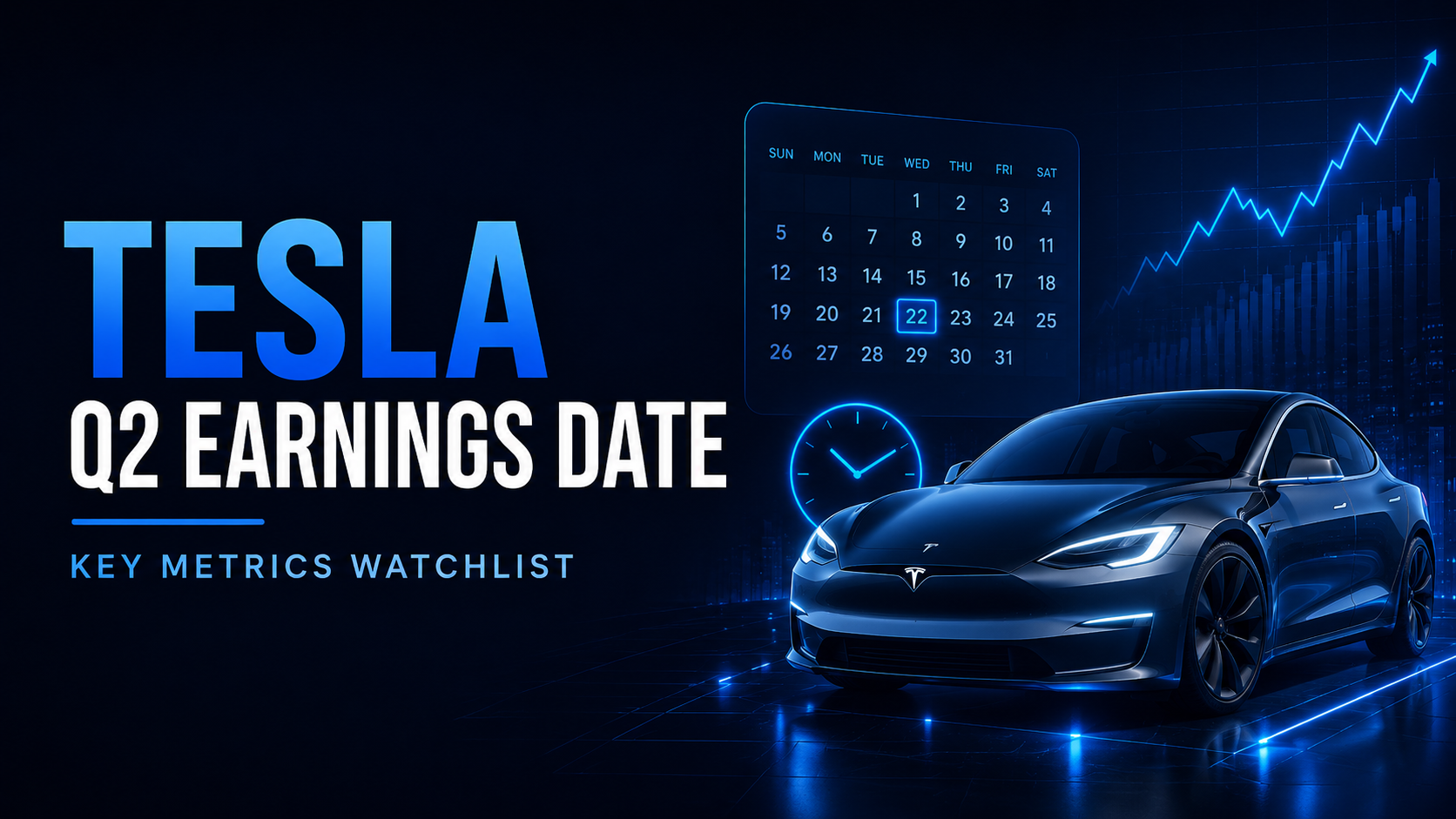
特斯拉2026年第二季度财报日期:发布时间、网络直播及关键指标

特斯拉2026年第二季度财报日期:发布时间、网络直播及关键指标

特斯拉2026年第二季度财报定于2026年7月22日(星期三)美国股市收盘后发布,管理层计划于美国中部时间下午4:30 / 东部时间下午5:30主持实时Q&A网络直播。第二季度的更新和网络直播将通过特斯拉的投资者关系网站提供,并在电话会议后提供存档重播。 这不仅仅是另一个普通的特斯拉财报日。特斯拉已经报告了超预期的交付季度:在2026年第二季度,公司生产了451,758辆汽车,交付了480,126
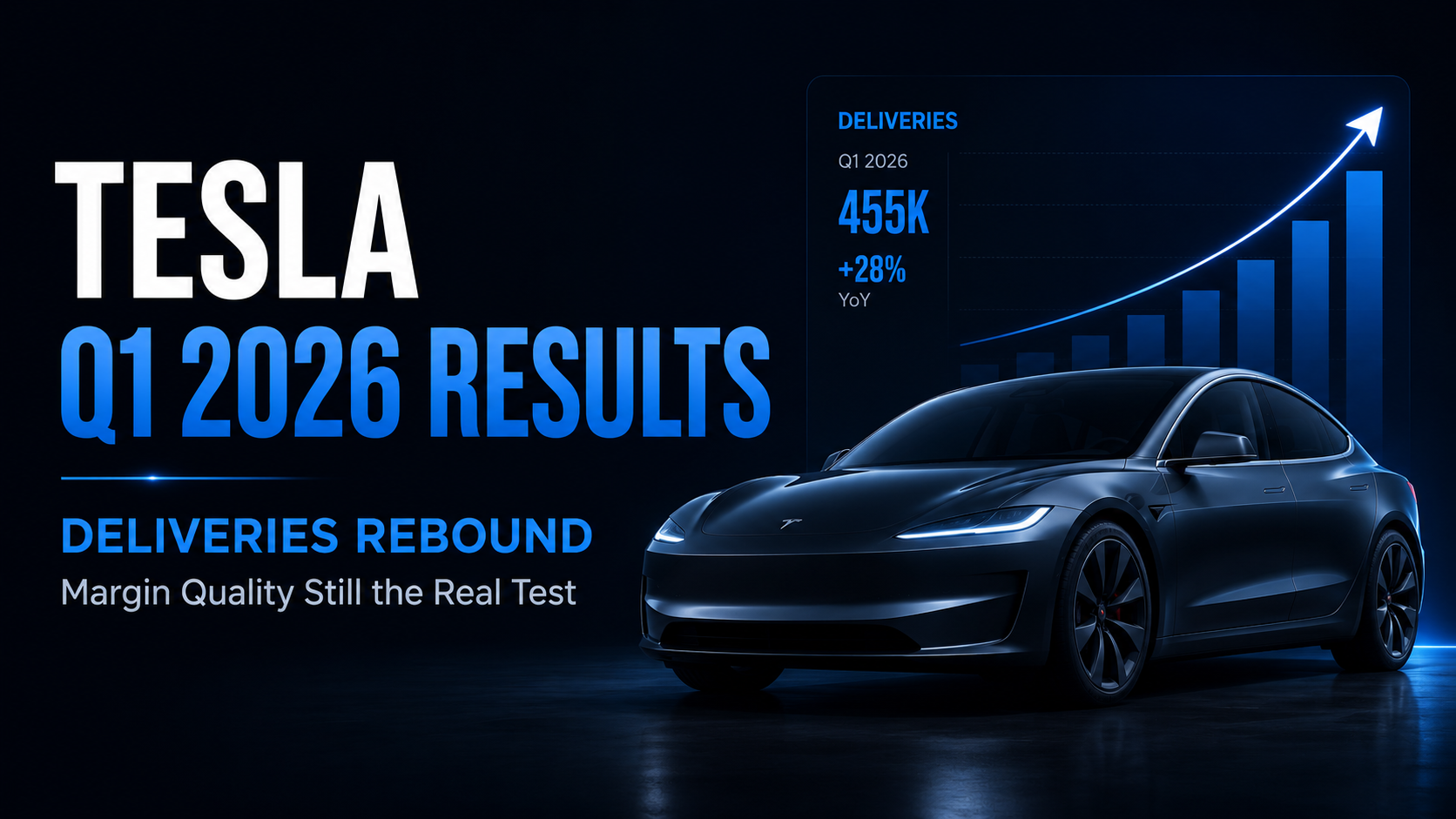
特斯拉2026年第一季度财报回顾:交付量反弹,但利润率质量仍是真正的考验

特斯拉2026年第一季度财报回顾:交付量反弹,但利润率质量仍是真正的考验

特斯拉于2026年4月22日美国股市收盘后公布了其2026年第一季度的财务业绩。该公司本季度交付了358,023辆汽车,创造了224亿美元的总营收,并报告归属于普通股股东的GAAP净利润为4.77亿美元。总GAAP毛利率提升至21.1%,而营业利润率达到4.2%。 核心信号不仅在于特斯拉的交付量从去年同期的疲软基数中恢复。更重要的问题是:更高的交付量、FSD相关营收、更低的单车成本以及改善的汽车毛
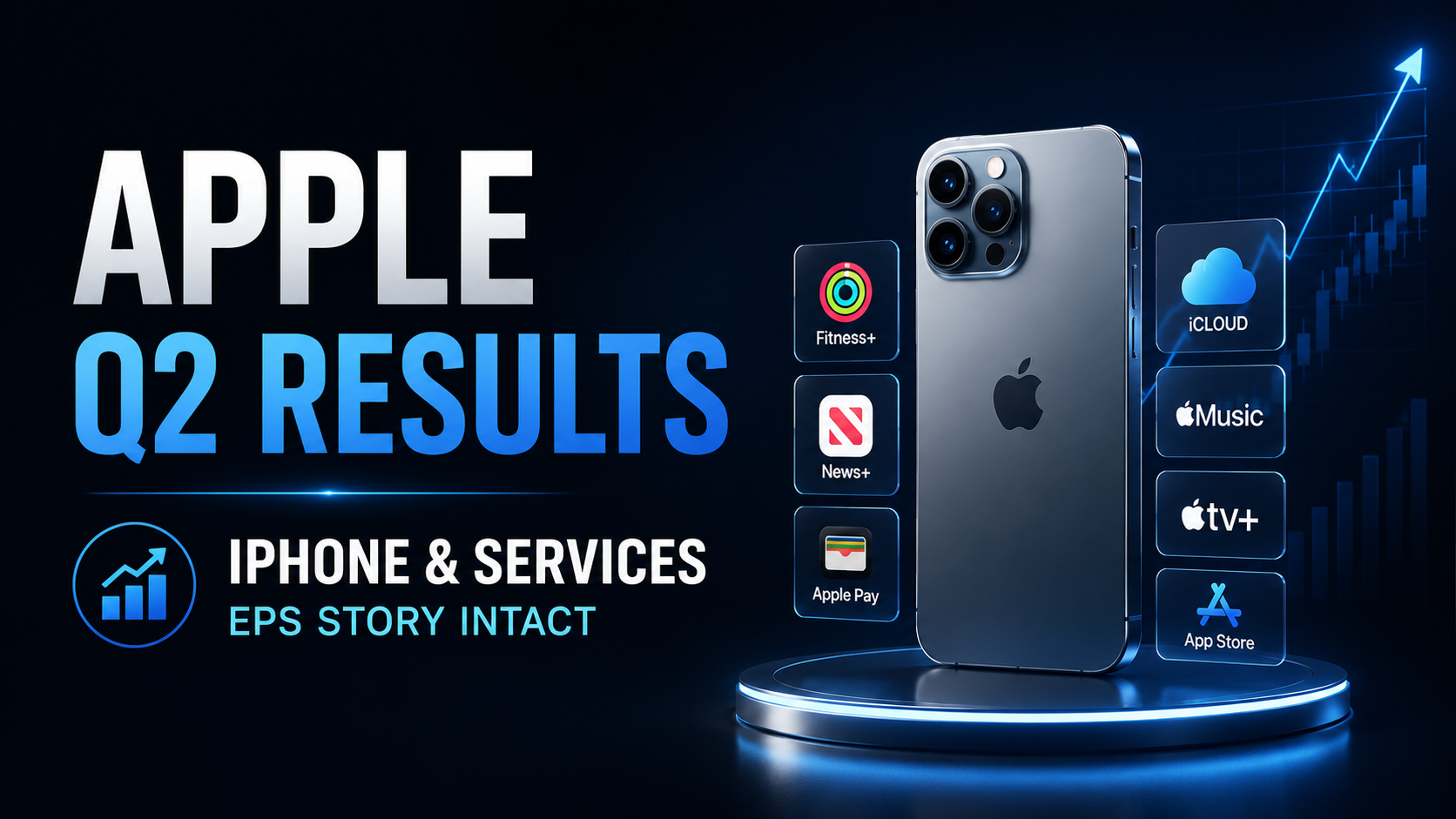

苹果 2026 财年第二季度财报回顾:iPhone 营收与服务业务增长维持 EPS 预期

苹果 2026 财年第二季度财报回顾:iPhone 营收与服务业务增长维持 EPS 预期

苹果于 2026 年 4 月 30 日发布了 2026 财年第二季度财报,涵盖截至 2026 年 3 月 28 日的季度。总营收达到 1112 亿美元,同比增长 17%,摊薄后每股收益(EPS)增长 22% 至 2.01 美元。苹果表示,该季度创下了公司 3 月份季度的总营收、iPhone 营收和 EPS 纪录,同时服务业务营收也创下历史新高。 这不仅仅是一份常规的硬件周期财报。苹果第二季度的业绩

Coldcard Mk3 警告紧随 3800 万美元 Bitcoin 被扫荡事件,但原因仍未确认

Coldcard Mk3 警告紧随 3800 万美元 Bitcoin 被扫荡事件,但原因仍未确认

比特币硬件钱包制造商Coinkite已警告用户,Coldcard设备存在种子生成问题,影响从4.0.1版本起的所有Mk3固件版本。该警告是在安全研究人员调查一起涉及594.48 BTC(约合3,800万美元)的协同转移事件时发出的。然而,目前尚无公开的技术证据证实Coldcard的问题导致了这些转账。

相关文章

查看更多
如何使用 AI 进行加密货币市场分析

如何使用 AI 进行加密货币市场分析

加密货币市场分析远不只是判断比特币或其他资产的价格是在上涨还是下跌。交易者通常需要同时理解价格结构、成交量、波动率、技术指标、市场新闻、板块趋势以及推动行情变化的更广泛背景。真正的难点在于,这些信号很少是孤立存在的。一次快速上涨可能伴随着成交量增加和利好消息,也可能发生在流动性不足、缺乏明确催化因素的市场中;一个偏空的技术信号出现时,整体市场可能仍然保持强势;一项重大公告看起来可能构成利好,但相关
什么是 AI 交易助手?交易者可以如何使用?

什么是 AI 交易助手?交易者可以如何使用?

人工智能正在改变交易者与金融市场信息之间的交互方式。过去很长一段时间里,使用交易工具通常意味着需要在多个界面之间不断切换:打开图表、搜索新闻、查看技术指标、比较不同资产、检查持仓情况,并手动配置订单或交易策略。AI 带来了一种不同的交互模式。用户不再需要先找到每一个具体功能,而是可以直接通过自然语言表达自己的问题和交易需求。AI 可以进一步帮助整理相关信息、解释市场环境、分析交易场景,并在产品支持
如何使用 AI 寻找加密货币交易机会

如何使用 AI 寻找加密货币交易机会

加密货币市场每天都会产生远超个人交易者处理能力的信息。市场全天候运行,价格持续波动,交易量不断变化,新的市场叙事快速出现,而新闻事件或社交媒体上的信息甚至可能在几分钟内影响市场情绪。因此,对于交易者来说,真正的挑战并不只是获取信息,而是判断:哪些市场变化值得关注,哪些只是短期噪音。人工智能可以帮助解决这一问题。AI 能够处理大量市场信息,对不同信号进行整理,识别异常变化,并帮助交易者更高效地筛选潜

什么是 MEXC AI?全面了解您的 AI 交易伙伴

什么是 MEXC AI?全面了解您的 AI 交易伙伴

加密货币市场全年无休运行,价格波动迅速,市场资讯、链上数据、宏观事件和社交媒体热点不断变化。对于交易者而言,真正的挑战往往并不只是“获得更多信息”,而是如何从大量信息中快速识别重点、理解市场变化,并将自己的交易判断高效转化为实际操作。随着人工智能逐渐进入交易与投资场景,用户与市场工具之间的交互方式也正在发生变化。过去需要分别完成的信息搜索、行情分析、指标查看和策略设置,如今越来越多地可以通过自然语

注册MEXC账号
注册 & 获得高达10,000 USDT奖金
您的稳定币真的安全吗?
您的稳定币真的安全吗?您的稳定币真的安全吗?
了解 USDT、USDC、OpenUSD 及 USD1 的风险