Many MEXCers, when trading spot or perpetual futures using the MEXC App, often find themselves facing sudden market movements. In order to seize suitable entry opportunities, they frequently need toMany MEXCers, when trading spot or perpetual futures using the MEXC App, often find themselves facing sudden market movements. In order to seize suitable entry opportunities, they frequently need to
新手学院/Trading Guide/User Guide/How to Set Price Alerts

How to Set Price Alerts

Jul 16, 2025MEXC
0m
Polytrade
TRADE$0.04295+3.09%
Orderly Network
ORDER$0.0384+5.78%

Many MEXCers, when trading spot or perpetual futures using the MEXC App, often find themselves facing sudden market movements. In order to seize suitable entry opportunities, they frequently need to monitor the market for extended periods of time. For experienced traders familiar with trading techniques and newcomers to futures trading, this undoubtedly becomes a mentally draining process. If your trading software possesses a feature that not only alerts you to enter the market promptly when the opportunity arises, but also allows you to focus on other matters during periods of market inactivity or consolidation, it can undoubtedly enhance the efficiency of your trading process. This feature is known as "Price Alerts." Today, let's learn how to use the Price Alerts feature on the MEXC App.

What Are Price Alerts?


Price Alerts are a notification feature that can be found on the MEXC App's spot and futures trading page. The logic behind using Price Alerts is as follows: By setting trigger conditions for price alerts, once the price reaches these predefined conditions, the MEXC App will inform users of the current price level through both in-app notifications and push notifications, delivering price alerts.

Trigger Conditions


When using Price Alerts, you need to set various trigger conditions. Notifications will be sent to MEXCers when the price triggers different conditions. However, different trigger conditions are suitable for different trading scenarios. You need to understand the logic behind using these trigger conditions and the applicable trading scenarios.

Spot Trade


On the MEXC spot trading page, when you visit the Price Alert page, there is only one trigger condition. It is:

Price Settings


When you use this type of trigger condition, it means you are monitoring whether the market price of a particular trading pair reaches a certain price level. Therefore, on this interface, you need to set a precise price as the trigger condition. At this point, some traders may choose to enter the market based on the current price level.

For Example

When trading BTC/USDT, you set a Price Alert for 31,000 USDT. If, at that moment, the market price of BTC/USDT is 30,000 USDT, you will receive a Price Alert notification when the market price of that spot trading pair reaches 31,000 USDT.

Futures Trade


On the MEXC futures trading page, when you visit the Price Alert page, a total of six trigger conditions will be displayed:

  • Price rises above

  • Price drops to

  • 24H change is over

  • 24H change is down

  • 5Min change is over

  • 5Min change is down

1. [Price rises above / drops to]


When you use one of these two triggering conditions, it means you are monitoring whether the market price of a certain trading pair reaches a specific level. Therefore, on this page, as a triggering condition, you need to set a precise price. At this point, some traders might choose to enter the market based on the current price level.

For Example

When trading the BTC/USDT perpetual futures, if you set "Price rises above" to 31,000 USDT and the market price of the BTC/USDT perpetual futures is 30,000 USDT, you will receive a price alert when the market price of BTC/USDT perpetual futures reaches 31,000 USDT.

2. [24H change is over / down]


When you use one of these two triggering conditions, it means you are observing the volatility level of a specific trading pair. Additionally, because these two triggering conditions introduce a concept of time period, specifically a 24-hour period, it is based on the condition triggered within a 24-hour oscillation range. In summary, when configuring this triggering condition, you need to set a specific percentage value.

For Example

When trading BTC/USDT perpetual futures, if you set the percentage value for "24H change is over" at 10%, and the market price of the BTC/USDT perpetual futures is 30,000 USDT, you will receive a price alert if the market price of BTC/USDT perpetual futures reaches 33,000 USDT within 24 hours.

3. [5Min change is over / down]


Similarly, when you use one of these two triggering conditions, it means you are still observing the volatility level of a specific trading pair. However, there is a 5-minute time period for this triggering condition, which is significantly shorter than 24 hours. Likewise, this condition is based on a 5-minute oscillation range. Therefore, when configuring this triggering condition, you still need to set a specific percentage value.

For Example

When trading BTC/USDT perpetual futures, if you set the percentage value for "5Min change is over" at 10%, and the market price of BTC/USDT perpetual futures is 30,000 USDT, you will receive a price alert if the market price of BTC/USDT perpetual futures reaches 33,000 USDT within 5 minutes.

How to Set Price Alerts


Setting Price Alerts for Spot Trading


1. Open MEXC App and tap [Trade] on the homepage.


2. Tap on the K-line icon - [🔔] to enter the Price Alert page.


3. Select a trading pair.


4. Set the Alert Price and tap on [Set an alert].


If the Market Price of the Spot Trading Pair Triggers the Price Alert


If the price alert condition is triggered, you will receive an in-app notification, and you will also receive a corresponding notification on your mobile device. For more details, you can find them in the Inbox section on the homepage.


If You Wish to Delete a Price Alert Condition


If you believe that a certain price alert condition has been set incorrectly and you wish to delete and reset it, tap the trash can icon.


Setting Price Alerts for Futures Trading


1. Open MEXC App and tap on [Futures] on the homepage.


2. Tap on [...] - [Alerts] to enter the Price Alerts page.


3. Tap on [Add Alert] and select a trading pair.


4. Select [Alert Type].


If You Selected [Price rises above / drops to]


  • Taking the "Price rises above" condition as an example, once you have set the value (for instance, 30,000 USDT), tap on [Create Alert].

  • Once the setup is complete, a message stating "Alert successfully created" will be displayed.


If You Selected [24H change is over / down]


  • Taking the "24H change is over" condition as an example, once you have set the value (for instance, 10%), tap on [Create Alert].

  • Once the setup is complete, a message stating "Alert successfully created" will be displayed.


If You Selected [5Min change is over / down]


  • Taking the "5Min change is over" condition as an example, once you have set the value (for instance, 10%), tap on [Create Alert].

  • Once the setup is complete, a message stating "Alert successfully created" will be displayed.


If the Fair Price of the Futures Trading Pair Triggers the Price Alert


If the price alert condition is triggered, you will receive an in-app notification, and you will also receive a corresponding notification on your mobile device. For more details, you can find them in the Inbox section on the homepage.


If You Wish to Delete a Price Alert Condition


If you believe that a certain price alert condition has been set incorrectly and you wish to delete and reset it: Take the example of deleting the "5Min change is over" condition, tap on the delete icon and then tap on [Delete] in the "Tips" pop-up.


Closing Remarks


Price Alerts are extremely practical trading auxiliary tools that can be used in a variety of trading scenarios. Within the MEXC App's futures trading section, you can achieve entry, position opening, as well as take-profit and stop-loss goals by setting up price alerts. There are six types of price alerts, and you can choose to use them opportunistically based on your specific needs. For instance, if you are concerned about specific price levels, then the "Price rises above / drops to" condition might be more suitable. If you are focused on intraday or short-term oscillation ranges, then the "24H change is over / down" and "5Min change is over / down" conditions could be more fitting. The former triggers a price alert when the market price reaches the set price condition, while the latter requires the market price to meet the set price condition within the specified time period for you to receive a price alert.

Reminders


  • Price Alerts are not currently available on the website.

  • Push notifications on mobile devices might fail due to network issues. Please ensure a stable internet connection at all times.

  • The timing of price notifications is influenced by the model and operating system of your mobile phone, which could lead to potential delays. Therefore, please exercise caution and manage your risk. Also, please make sure the MEXC App runs in the background on your mobile device and notifications are enabled.

Risk Warning: Trading involves risks and investment should be approached with caution. This content does not constitute investment advice. Please make investment decisions based on your personal investment objectives, financial situation, and risk tolerance.

市场机遇
Polytrade 图标
Polytrade实时价格 (TRADE)
$0.04295
$0.04295$0.04295
+1.68%
USD
Polytrade (TRADE) 实时价格图表

热门加密动态

查看更多
MEXC 链上观察日报:《CLARITY法案》年内立法预期转空

MEXC 链上观察日报:《CLARITY法案》年内立法预期转空

更新于:2026年7月20日 9:30(UTC+8)|作者:MEXC 1. 要闻速览 Cardano完成首次全链上治理硬分叉 《CLARITY法案》年内立法预期转空 Tether剩余两年确定美国合规策略 韩国将建设韩元稳定币支付基础设施 Uniswap新增协议费用将用于销毁UNI 2. 产业动态 巴基斯坦加密监管机构推动区分投机型加密货币与资产支持型代币 据Odaily星球日报消息,巴基斯坦虚拟资

三星SK海力士暴跌:韩国股市熔断背后,谁在把首尔当提款机?

三星SK海力士暴跌:韩国股市熔断背后,谁在把首尔当提款机?

韩国KOSPI单日暴跌逾8%触发熔断,三星电子盘中重挫10%。这不是普通的技术性调整,而是美联储加息预期骤升、全球宏观对冲基金被迫平仓、日元套利交易瓦解三重压力同时释放的结果。本文从流动性踩踏与外资套利平仓的底层逻辑,还原这场"提款机"式抽资的完整路径。 概述 2026年6月8日,韩国综合股价指数(KOSPI)盘中暴跌逾8%,直接触发熔断机制,交易被迫停摆20分钟。三星电子与SK海力士盘中双双下挫

Top REPPO Exchanges: Security and UX Compared

Top REPPO Exchanges: Security and UX Compared

Introduction to REPPO Trading Platform Selection 选择正确的Reppo(REPPO)交易平台是一个关键决定,它可以显著影响您的交易成功和安全。随着Reppo(REPPO)在加密货币市场持续获得动力,投资者需要一个既安全又易用的可靠交易所。您选择的平台不仅决定了您购买、出售和交易Reppo(REPPO)的便捷程度,还决定了您的资产免受潜在安全威胁的安全

Mobile Trading Guide for Binancelife (formerly BIANRENSHENG): Trade Anytime, Anywhere

Mobile Trading Guide for Binancelife (formerly BIANRENSHENG): Trade Anytime, Anywhere

移动交易 Binancelife 简介 Binancelife (formerly BIANRENSHENG) 是一种在 BNB 链上推出的创新型迷因币,它取得了非凡的增长,在成立后仅三天内就达到了 3 亿美元的市值。在当今快节奏的加密货币市场中,通过移动设备交易 Binancelife (formerly BIANRENSHENG) 对于休闲投资者和活跃交易者来说都变得至关重要。由于加密货币市场

热门新闻

查看更多
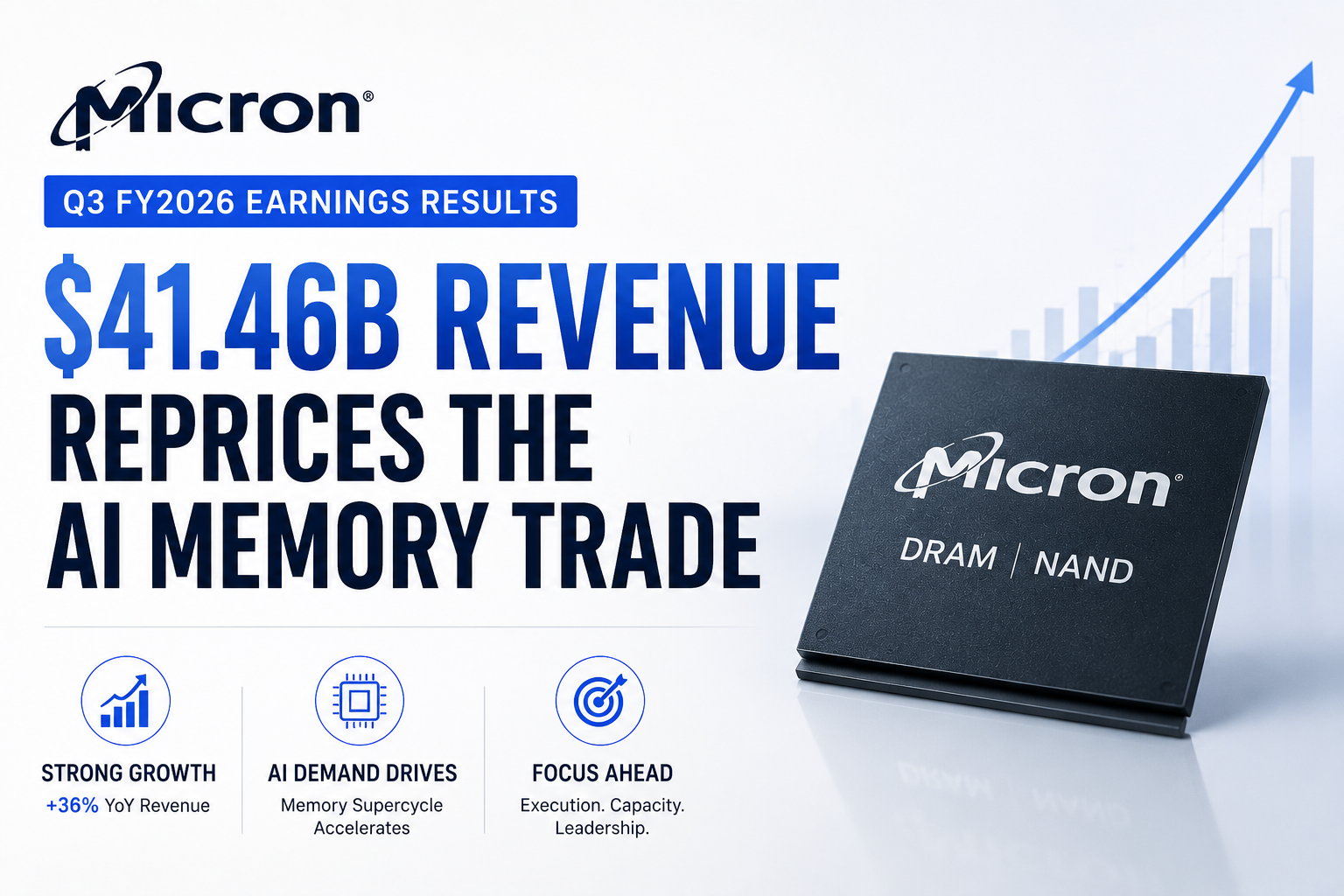
美光2026财年第三季度财报:414.6亿美元营收重塑AI存储交易

美光2026财年第三季度财报:414.6亿美元营收重塑AI存储交易

美光科技发布了创纪录的2026财年第三季度财报,由于人工智能相关内存和存储的需求持续超过供应,公司营收达到414.6亿美元,大幅高于去年同期的93.0亿美元。非公认会计准则(Non-GAAP)摊薄后每股收益(EPS)升至25.11美元,非公认会计准则毛利率扩大至84.9%。公司还预计第四财季营收约为500亿美元,上下浮动10亿美元。这并非普通的财报新闻,因为美光已不再仅仅被视为具有周期性的DRAM
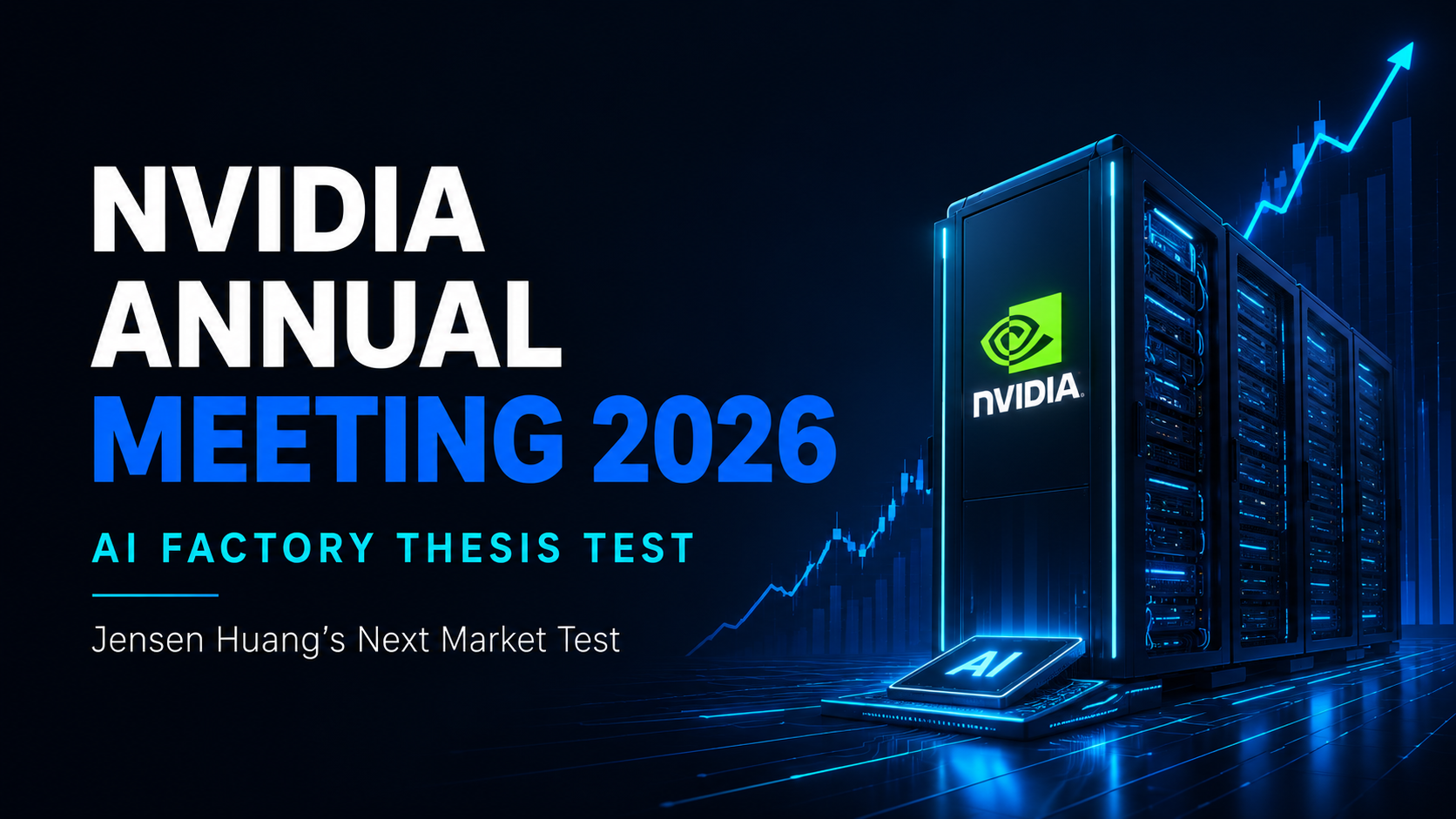
2026年英伟达年度股东大会:黄仁勋的“AI工厂”理论面临下一次市场考验

2026年英伟达年度股东大会:黄仁勋的“AI工厂”理论面临下一次市场考验

英伟达于太平洋时间2026年6月24日上午9:00在线召开了2026年年度股东大会。正式议程包括选举董事、对高管薪酬进行咨询性表决、批准独立审计机构以及多项股东提案。然而,对于市场而言,这次会议的意义远超常规的年度公司治理。这是在经历了一年创纪录的营收增长后,对英伟达能否继续捍卫其AI基础设施主导地位的又一次考验。 尽管部分亚太地区的投资者是在当地时间6月25日关注此次会议,但官方的会议时间定于太


从稀缺交易到估值纪律:SpaceX的回调考验OpenAI的IPO雄心

从稀缺交易到估值纪律:SpaceX的回调考验OpenAI的IPO雄心

据报道,OpenAI倾向于将IPO推迟到2027年,但更强烈的市场信号来自SpaceX 。SpaceX在6月22日收盘下跌16.4%至154.60美元,较其225.64美元的盘中高点下跌31.5%,但仍比其135美元的IPO发行价高出14.5% 。这一走势使SpaceX从一个纯粹由稀缺性驱动的IPO成功案例,变成了AI相关超级上市周期的首个重大公开市场压力测试 。OpenAI的问题不在于需求,而在

特斯拉交付前股价大涨:为什么真正的考验在于质量,而非数量

特斯拉交付前股价大涨:为什么真正的考验在于质量,而非数量

特斯拉(TSLA)在第二季度交付报告公布前股价大涨 8.46% 至 411.84 美元,表现优于大盘,分析师称其为“预期重置交易”。华尔街已大幅提高门槛,主要机构将“耳语预测”(whisper numbers)上调至 413,024 至 420,000 辆之间,远高于公司官方统计的 406,024 辆共识预期。尽管监管压力的缓解以及与 Sunrun 达成的 16GW 虚拟电厂巨额合作,对特斯拉的能

相关文章

查看更多
如何使用 AI 进行加密货币市场分析

如何使用 AI 进行加密货币市场分析

加密货币市场分析远不只是判断比特币或其他资产的价格是在上涨还是下跌。交易者通常需要同时理解价格结构、成交量、波动率、技术指标、市场新闻、板块趋势以及推动行情变化的更广泛背景。真正的难点在于,这些信号很少是孤立存在的。一次快速上涨可能伴随着成交量增加和利好消息,也可能发生在流动性不足、缺乏明确催化因素的市场中;一个偏空的技术信号出现时,整体市场可能仍然保持强势;一项重大公告看起来可能构成利好,但相关

什么是 AI 交易助手?交易者可以如何使用?

什么是 AI 交易助手?交易者可以如何使用?

人工智能正在改变交易者与金融市场信息之间的交互方式。过去很长一段时间里,使用交易工具通常意味着需要在多个界面之间不断切换:打开图表、搜索新闻、查看技术指标、比较不同资产、检查持仓情况,并手动配置订单或交易策略。AI 带来了一种不同的交互模式。用户不再需要先找到每一个具体功能,而是可以直接通过自然语言表达自己的问题和交易需求。AI 可以进一步帮助整理相关信息、解释市场环境、分析交易场景,并在产品支持

如何使用 AI 寻找加密货币交易机会

如何使用 AI 寻找加密货币交易机会

加密货币市场每天都会产生远超个人交易者处理能力的信息。市场全天候运行,价格持续波动,交易量不断变化,新的市场叙事快速出现,而新闻事件或社交媒体上的信息甚至可能在几分钟内影响市场情绪。因此,对于交易者来说,真正的挑战并不只是获取信息,而是判断:哪些市场变化值得关注,哪些只是短期噪音。人工智能可以帮助解决这一问题。AI 能够处理大量市场信息,对不同信号进行整理,识别异常变化,并帮助交易者更高效地筛选潜


什么是 MEXC AI?全面了解您的 AI 交易伙伴

什么是 MEXC AI?全面了解您的 AI 交易伙伴

加密货币市场全年无休运行,价格波动迅速,市场资讯、链上数据、宏观事件和社交媒体热点不断变化。对于交易者而言,真正的挑战往往并不只是“获得更多信息”,而是如何从大量信息中快速识别重点、理解市场变化,并将自己的交易判断高效转化为实际操作。随着人工智能逐渐进入交易与投资场景,用户与市场工具之间的交互方式也正在发生变化。过去需要分别完成的信息搜索、行情分析、指标查看和策略设置,如今越来越多地可以通过自然语

注册MEXC账号
注册 & 获得高达10,000 USDT奖金
您的稳定币真的安全吗?
您的稳定币真的安全吗?您的稳定币真的安全吗?
了解 USDT、USDC、OpenUSD 及 USD1 的风险