Revolutionary Android 16 Update: AI Notification Summaries Transform Google Pixel Experience
BitcoinWorld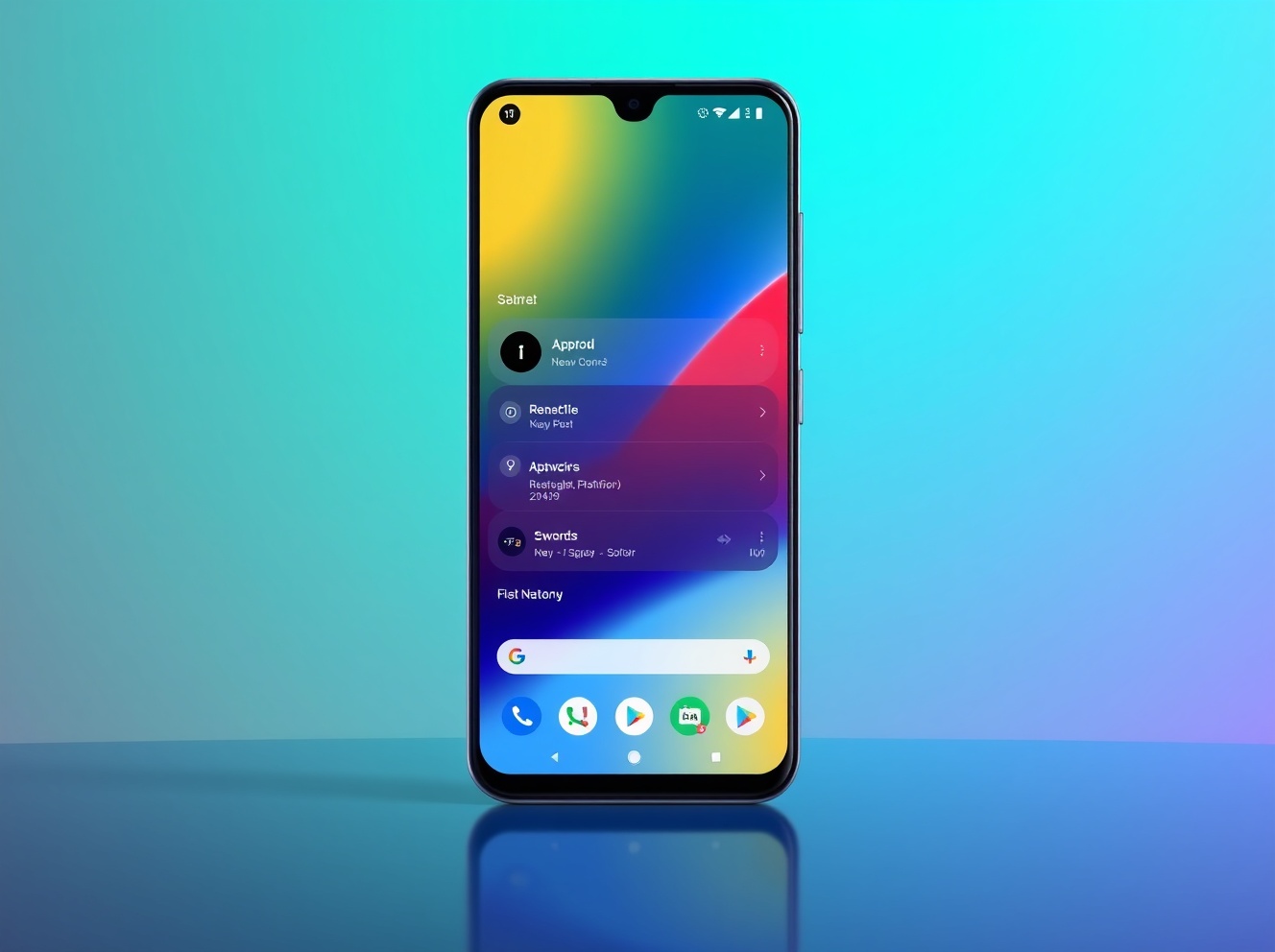
Revolutionary Android 16 Update: AI Notification Summaries Transform Google Pixel Experience
Google has unleashed a game-changing Android 16 update that fundamentally transforms how users interact with their devices. For cryptocurrency enthusiasts who need to stay on top of market movements and time-sensitive alerts, these new AI-powered features could revolutionize mobile productivity and security. The update brings intelligent notification management, enhanced customization, and powerful parental controls that make Android devices more intuitive than ever before.
Android 16 Introduces AI Notification Summaries
Google’s latest Android 16 update introduces groundbreaking AI notification summaries that condense lengthy messages and group chats into quick, glanceable overviews. This feature is particularly valuable for cryptocurrency traders who receive numerous exchange notifications, price alerts, and community updates throughout the day. The AI analyzes notification content and presents essential information without requiring users to open each individual message.
The notification system now includes:
- AI-powered summaries for long conversations
- Automatic grouping of similar notifications
- Priority-based organization that surfaces important alerts
- Reduced notification overload through intelligent filtering
Google Pixel Devices Lead the Android 16 Rollout
Google Pixel devices are the first to receive the Android 16 update, marking a significant shift in Google’s update strategy. Instead of annual major releases, Google is moving toward more frequent feature drops that keep devices current throughout the year. This approach ensures Pixel users always have access to the latest security enhancements and productivity features.
The initial rollout includes:
| Device Series | Update Availability | Key Features |
|---|---|---|
| Pixel 9 Series | Immediate | All Android 16 features |
| Pixel 8 Series | Immediate | Core Android 16 features |
| Pixel 7 Series | Within 2 weeks | Select Android 16 features |
| Pixel Fold/Tablet | Immediate | Optimized Android 16 features |
Enhanced Android Customization Options
Android 16 delivers unprecedented customization capabilities that allow users to personalize their devices like never before. The update introduces custom icon shapes, themed icons that adapt to your wallpaper, and automatic dark mode for apps that don’t natively support dark themes. These features are especially useful for cryptocurrency traders who spend extended periods monitoring markets and need comfortable viewing options.
The customization improvements include:
- Custom icon packs and shapes
- Dynamic theming based on wallpaper colors
- System-wide dark mode enforcement
- Enhanced widget customization
- Improved home screen organization tools
New Parental Controls for Family Device Management
Android 16 introduces comprehensive Parental Controls directly within Android Settings, giving parents powerful tools to manage their children’s device usage. These controls are built into the operating system, eliminating the need for third-party applications. Parents can set screen time limits, create downtime schedules, control app usage, and monitor device activity—all from their own Android devices.
The parental control features provide:
- Daily and weekly screen time limits
- Bedtime and homework time schedules
- App-specific usage restrictions
- Content filtering and age restrictions
- Remote management capabilities
Additional Android Features Beyond Android 16
Google is also rolling out several features that aren’t specific to Android 16 but enhance the overall Android experience. The “Call Reason” beta feature allows users to flag calls to saved contacts as “urgent,” ensuring important calls aren’t missed. This could be particularly valuable for cryptocurrency professionals who need to communicate time-sensitive information.
Other notable features include:
- Expressive Captions that display emotional context in videos
- Improved group chat management with spam detection
- Enhanced Chrome browser with persistent pinned tabs
- Circle to Search improvements for scam detection
- Accessibility enhancements for voice control and camera use
Accessibility Improvements in Android 16
Google continues to prioritize accessibility with Android 16, introducing several features that make devices more usable for everyone. The updated TalkBack feature now supports smarter voice dictation through Gboard, allowing users to edit text using natural language commands powered by Gemini AI. This means users can say “replace Monday with Tuesday” or “make this paragraph shorter” and the AI will execute the command.
Key accessibility updates:
- Enhanced Voice Access with hands-free activation
- Improved Guided Frame descriptions in Pixel camera
- Fast Pair support for hearing aids
- Smart Dictation with natural language editing
- Reduced physical interaction requirements
FAQs About Android 16 Updates
When will Android 16 be available on non-Pixel devices?
Android 16 is currently rolling out to Pixel devices first. Other manufacturers like Samsung, OnePlus, and Xiaomi typically receive major Android updates several months after Google’s initial release.
How do AI notification summaries work?
The feature uses Google’s AI to analyze notification content, identify key information, and present condensed summaries. It’s particularly effective for group chats, long messages, and notification clusters.
Can I customize which notifications get summarized?
Yes, users can select which apps use AI notification summaries and adjust the level of summarization through notification settings.
What hearing aid brands support Fast Pair?
Google is starting with hearing aids from Demant, which owns brands including Oticon, Sonic, and Bernafon.
How does Circle to Search detect scams?
When users activate Circle to Search on suspicious messages, an AI Overview analyzes the content and provides risk assessment based on known scam patterns and social engineering tactics.
Conclusion
Android 16 represents a significant leap forward in mobile operating system design, with AI integration that genuinely enhances user experience rather than simply adding complexity. The AI notification summaries alone could save users hours each week, while the enhanced customization and parental controls provide practical benefits for everyday device use. As Google shifts to more frequent updates, Android users can expect continuous improvements that keep their devices feeling fresh and capable.
To learn more about the latest AI technology trends and how they’re shaping mobile experiences, explore our article on key developments in artificial intelligence and their impact on consumer technology features.
This post Revolutionary Android 16 Update: AI Notification Summaries Transform Google Pixel Experience first appeared on BitcoinWorld.


You May Also Like

Aave DAO Eyes 25K ETH Injection to Fix rsETH Crisis

Some Republican lawmakers are plotting rebellion against Trump over Iran: 'Shift in unity'